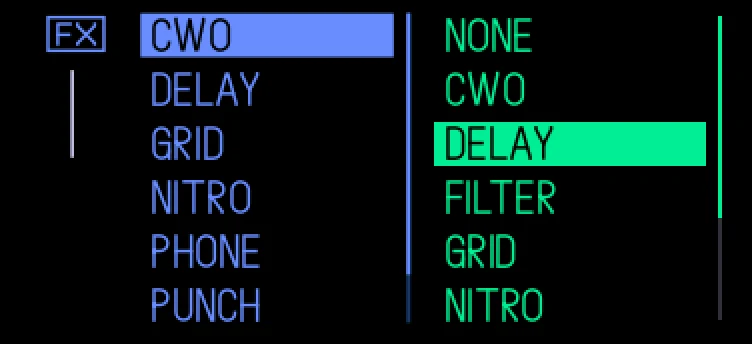
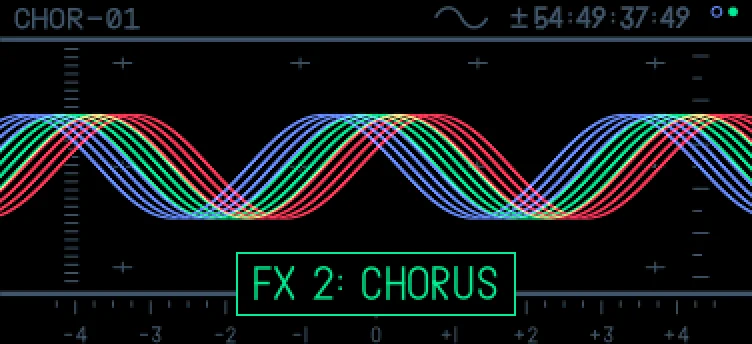
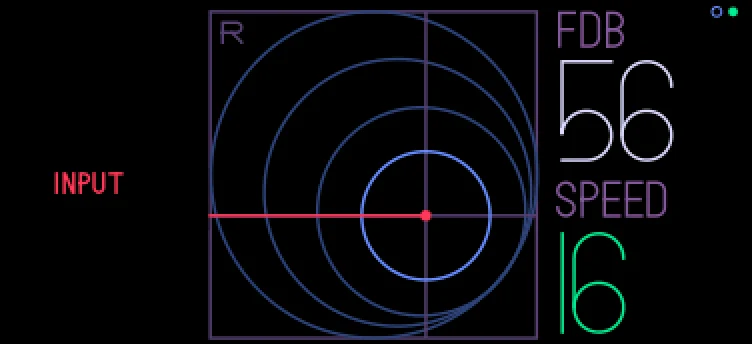
A second effect behind every sound's effect and the master's: any effect from the list, a downloaded one too.
Keys
- shift + T3 › green
- blue push on an effect page
- fn + blue push where the effect takes blue push itself
All of them: the mods page (menu, T2), fx overdrive selected, green push.
Details
- Plugin:
opus.overdrive, version 2.0.3, as in the Opus 2.0 beta 4.2 starter pack
- Needs: Opus 2 with core 2.35 or later
- Memory: 10 KB of the plugins’ 6 MB, loaded
- CPU: the chosen effects'
- SHA-256:
80d74b3e92db073af2b19ee4bc0e672c842b24974205f56a3ce0906cdf032c7c
Install
Put the OP-1 in disk mode (shift + com, then T3) and copy the .opmod file into the mods folder on its disk. Eject the disk on the computer: the OP-1 leaves disk mode and loads the plugin at its next start. Opus 2 has to be installed first: opus-op1.pages.dev.
Licence
© LizardMan, free to use and share, source not published yet.
Releases
The popup "fx 1 / fx 2" sizes to its text and is centred.
The version in the Opus 2.0 beta 4.2 starter pack.
-
-
Opus Opus 2, core 2.35 or later
· last confirmed by the author, 16 Nov 2026
File details
- Format
- Opus plugin
- SHA-256
80d74b3e92db073af2b19ee4bc0e672c842b24974205f56a3ce0906cdf032c7c