3.3 latest
From the hundekraft 3.3 release.
-
undo.knl 19.2 KB · ↓ 1
- hundekraft
File details
- Format
- hundekraft (kennel) plugin
- SHA-256
9294ec8c30936856a3b58b640ce579c38c303014374abdbec26efdba458a61bf
by hundekraft
Undo and redo up to seven steps, plus merge, copy, paste and bounce on the tape
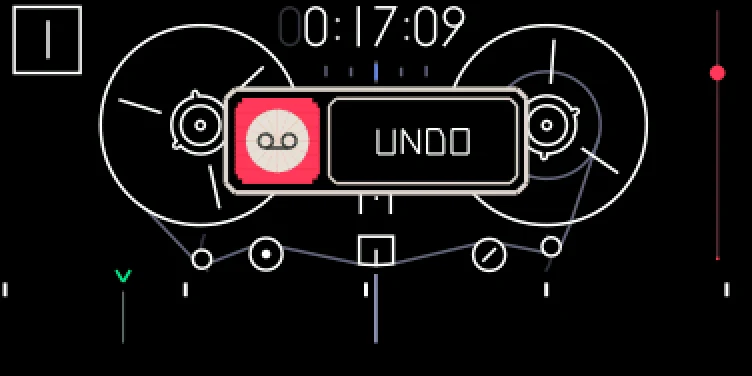
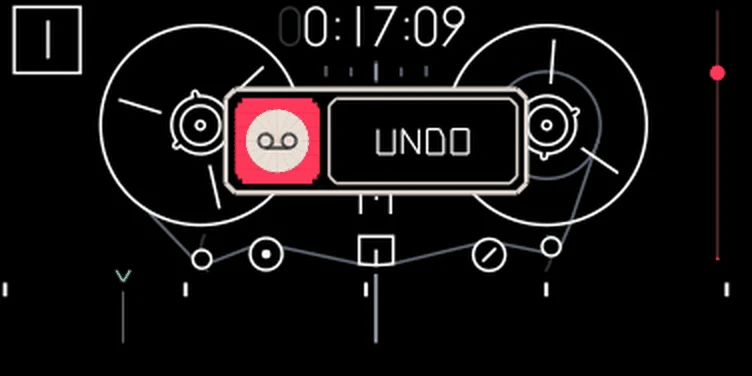
Every recording can be undone, up to seven steps back: takes, punch-ins, overdubs, loop takes, lift, drop, slide (Shift + blue), split, join and the tape edits below. It works with the tape stopped or playing. Sliding a clip takes two undo steps: the first undoes the drop, the second restores the lift.
The history is saved on the OP-1, so it survives switching off. Each of the four tapes has its own. FILE counts undo history under "sounds".
Note: An eighth step drops the oldest one, and recording or editing after an undo drops the steps you could have redone. The whole history is cleared when you erase the tape, when you connect in disk mode, or when free space would drop below 24 MB ("undo off: low on space"). If you press undo while the OP-1 is still writing the last take, it says "still writing": wait a moment and try again. With nothing left, it says "nothing to undo" or "nothing to redo". A take too long to keep ("too long to undo") or an edit while an undo runs ("undo cut short") also clears the history.
Four edits for building a song while it plays. All of them work on the tape screen, also while the tape plays, but not while it records.
| Keys | Edit | What happens |
|---|---|---|
| Shift + drop | Merge | Mixes the lifted tracks together and drops the result onto the selected track at the playhead, replacing what's there. With one lifted track it's a plain drop. It takes the place of the stock Shift + drop |
| Hold tape + lift | Copy the loop | Copies all four tracks inside the loop without cutting anything. Needs the loop on and shorter than about 22 seconds |
| Hold tape + drop | Paste after the loop | Pastes the copy right after the loop and moves the loop onto it, so the next paste extends the song. With the loop off, it pastes after the last clip. A copy goes onto all four tracks, one lifted track onto the selected one |
| Hold tape + Shift + drop | Bounce | Mixes all four tracks inside the loop onto the selected track. The other tracks stay as they are. Needs the loop on |
A popup names the edit (MERGE, COPY, PASTE or BOUNCE) and shows the progress. Merge, paste and bounce are one undo step each; copy changes nothing on the tape, so it isn't a step. Undoing a paste takes the audio back out, but the loop stays where it moved.
Mixes are added up exactly, without the mixer's volume or pan. If the result would clip, the whole edit goes through a soft limiter.
Tip: To build a song live: set a loop around four bars, hold tape and press lift to copy it, then hold tape and press drop. The loop jumps to the copy. Record something new on top, and paste again.
When an edit can't run, a short message says why, such as "bounce needs the loop on", "copy needs the loop on", "loop too long to copy", "the clipboard is empty" or "no room left on the tape".
Credit: hundekraft, after Maiko.
From the hundekraft 3.3 release. Full manual
From the hundekraft 3.3 release.
9294ec8c30936856a3b58b640ce579c38c303014374abdbec26efdba458a61bf