Keep the instrument. Find another sound inside it.
On a synth page, hold Shift and press drop to make a new variation of the current sound. The engine stays the same; its knobs, envelope, effect and LFO can change. Randomiser chooses from the effects and LFOs available on this OP-1. MIDI LFO is excluded. The RANDOMISER page in Settings picks which of them change, and whether the effect and LFO keep their type.
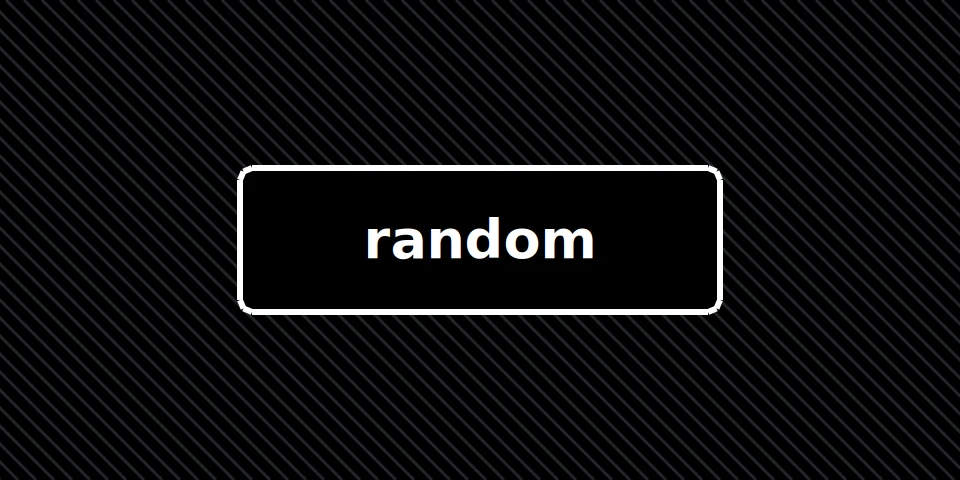
- Shift + drop: step forward through existing variations, or generate a new one at the newest step. The panel says RANDOM.
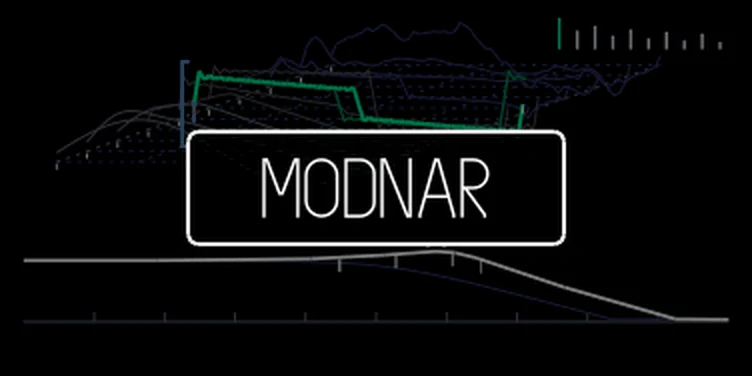
- Shift + lift: step back. The panel says MODNAR. At the original sound, another press does nothing.
Each of the eight synth slots keeps its original sound and six most recent variations in memory. Turning knobs before stepping preserves those edits in that history entry. Changing the engine starts a new history for the slot. History is cleared on restart; the current sound uses the normal slot saving, and you can save a favourite with the usual held sound key.
Changing a variation stops any held notes. The shortcuts are inactive in drum/tape mode and while the sampler or text editor is open. Randomising a sampler changes settings, not its recorded audio.
Credit: Lewis-Clayton / pcppcp · native kennel port by hundekraft.
From the hundekraft 3.3 release. Full manual
Releases
From the hundekraft 3.3 release.
-
randomiser.knl
9.8 KB · ↓ 5 · from GitHub
File details
- Format
- hundekraft (kennel) plugin
- SHA-256
dd480fb87f28c431c6254a59debf1ba8ef5c896605177d2f80fb5ab97e33894b- Kept at
- The author’s GitHub. The download is counted here and passed on there; the size and SHA-256 are of the file as it was when this release was listed.