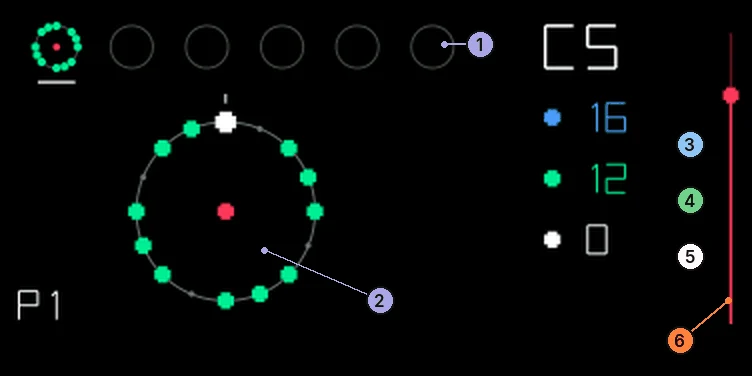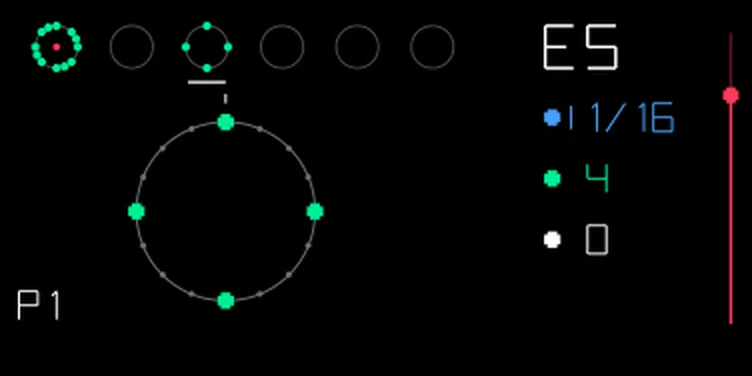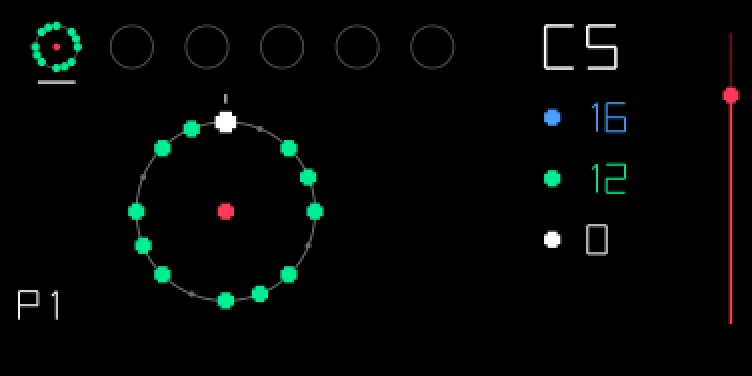
Euclid and Dots come from the op1r project. Pick one with Shift + seq. Synth and drums each have their own sequencer, and both follow the OP-1's tempo and play the current synth or drum kit. The keys they share are in the next section.
Six rings, each playing one note in a Euclidean rhythm: a number of hits spread as evenly as possible over a number of steps. Stack a few and you get rhythms that sound far more worked out than they are.
To build a pattern:
- Hold Shift and turn white to pick a slot (the rings at the top).
- Press a key to give the slot its note.
- Turn blue for steps and green for hits. Turn white to rotate the pattern.
- Turn orange right to start the slot. Turn it left to stop.
- Pick the next slot and repeat.
| Encoder |
Turn |
Push for page 2 |
| blue |
Steps, 1 to 16 |
Rate: 1/4 to 1/32, with triplets |
| green |
Hits, 0 to the number of steps |
Gate, 10 % to 100 % |
| white |
Rotation. Shift + turn: select slot |
Octave, -2 to +2 |
| orange |
Right: start. Left: stop. Shift: all slots |
Level (velocity) |
A slot without a note can be edited but won't start. Slots come back stopped after a restart.
Credit: op1r.
From the hundekraft 3.3 release. Full manual
Releases
From the hundekraft 3.3 release.
-
euclid.knl
22.0 KB · ↓ 6 · from GitHub
File details
- Format
- hundekraft (kennel) plugin
- SHA-256
af7c7950bf1ceedfd5cb43d6adcbd7c9c0485c28b83807bb578f772ae7933221- Kept at
- The author’s GitHub. The download is counted here and passed on there; the size and SHA-256 are of the file as it was when this release was listed.