3.3 latest
From the hundekraft 3.3 release.
-
amp.knl 37.4 KB · ↓ 1
- hundekraft
File details
- Format
- hundekraft (kennel) plugin
- SHA-256
9c00d7c24c1b51ba7719fc8eb32f28396734cc08acd7b04092173a4e7c88ed5d
Your input is the instrument.
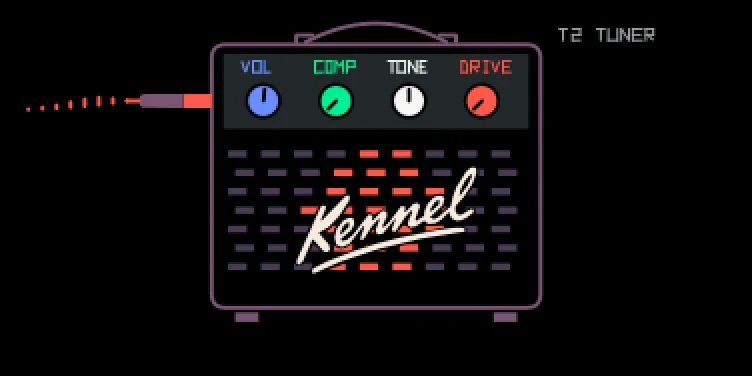
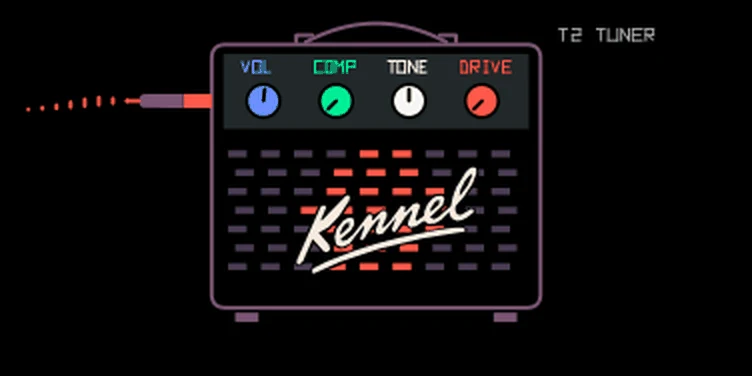
Amp turns the OP-1's live input into the instrument. The mic, line, radio or USB signal runs through a compressor, a tone control and an amp with a speaker cabinet. No key needs to be held. It is inspired by the OP-1 Field's live-input instrument.
To use it:
| Knob | Control | Turn |
|---|---|---|
| blue | Volume | Output level; 0 mutes, 50 is unity, 100 adds about 6 dB |
| green | Comp | Compression; 0 is off, higher values tame peaks |
| white | Tone | Warm to bright; the middle is neutral and the screen shows 0 there |
| orange | Drive | Saturation through the voice's amp and cabinet, with a gate that cuts hiss between notes; 0 is clean |
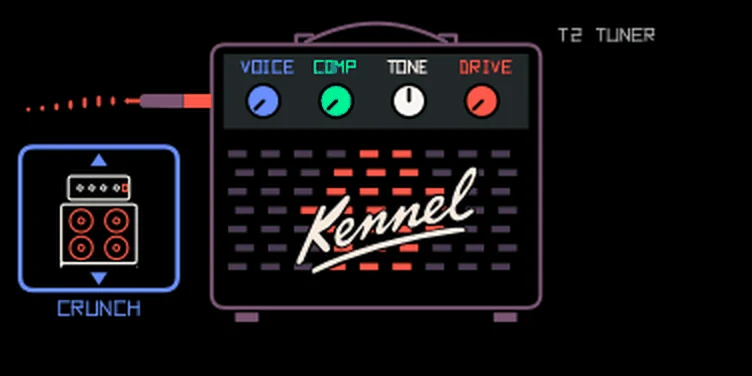
Press blue to turn it into Voice: a box on the left lights up with a picture of the amp, and each click of blue steps to the next one: Clean, Crunch, Lead, Bass or Fuzz. Each voice has its own tone stack, speaker cabinet and amount of drive, and the louder you play, the more it squashes, like a valve amp. Voice only changes the sound when Drive is above 0. Press blue again to get Volume back. Older sounds use Crunch.
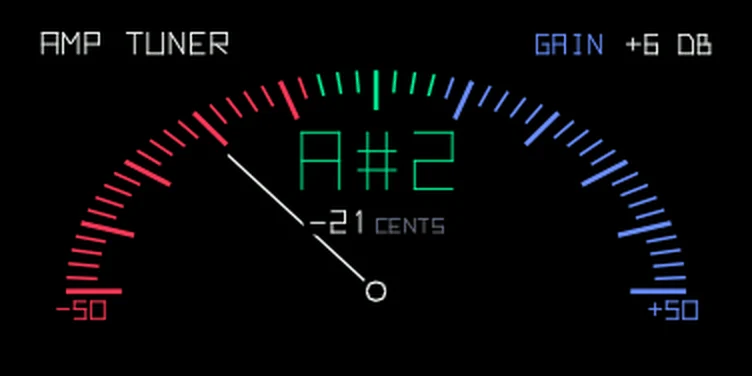
T1 shows the four values and the input as a moving line. T2 is a tuner for one sustained note. The needle leans left into red when the note is flat and right into blue when it is sharp, and stands in the green middle when it is in tune. Under the note name you see how many cents off it is. The input gain sits at the top right: turn blue on T2 to set it from -12 to +24 dB. It belongs to the input source, not the sound, so VOX and SNAP use the same setting. Use T3 to add an effect. T4 LFO modulation doesn't work with Amp. Keyboard notes, chord mode and sequencers don't gate or transpose the input. The settings save with the sound like any other.
Resampling the master (MASTER as the sampler source) is silent while Amp is the synth.
Credit: hundekraft · workflow inspired by OP-1 Field.
From the hundekraft 3.3 release. Full manual
From the hundekraft 3.3 release.
9c00d7c24c1b51ba7719fc8eb32f28396734cc08acd7b04092173a4e7c88ed5d